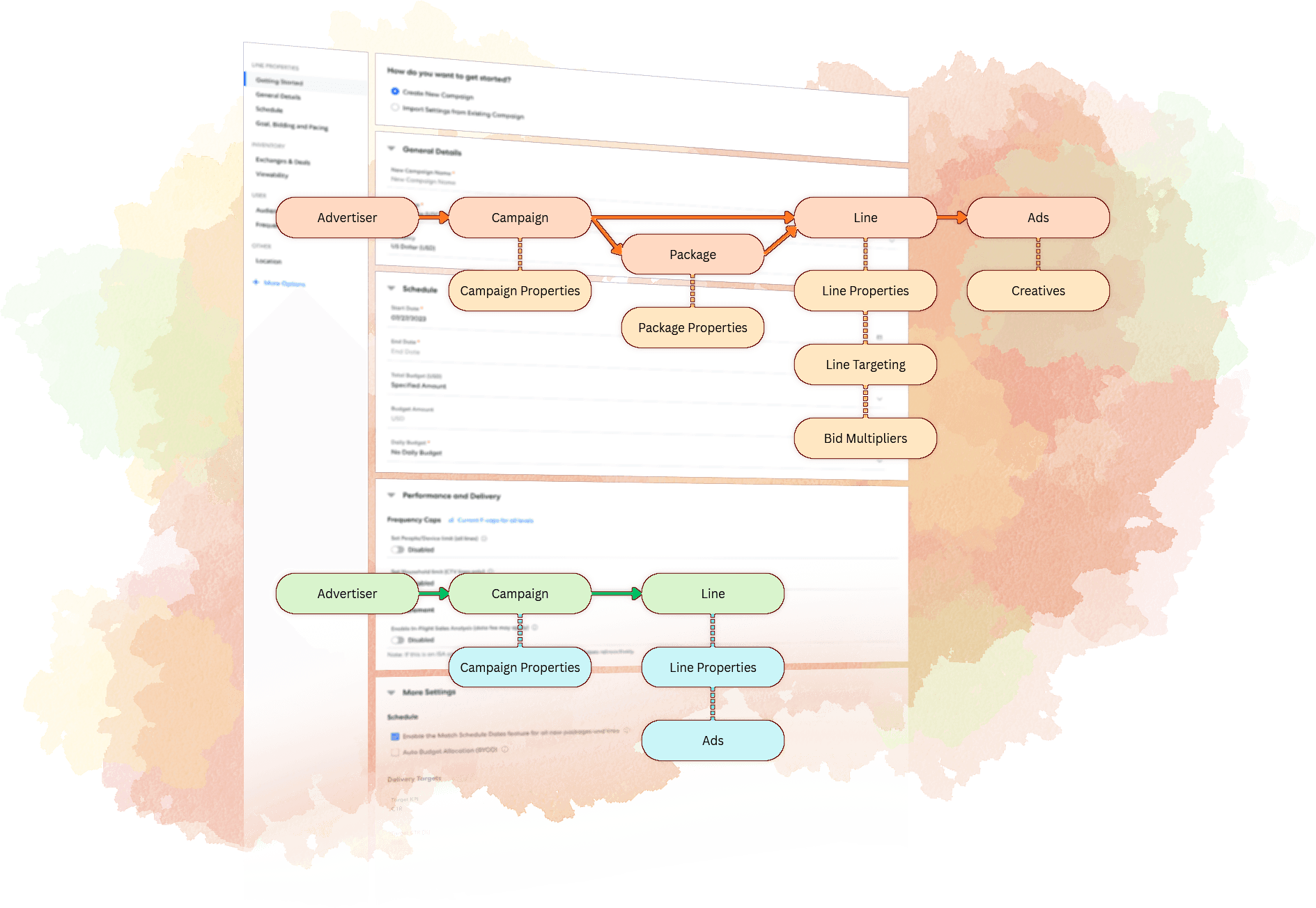
Streamlined Workflows
Simplifying complex workflows without sacrificing control
A series of initiatives to simplify complex ad campaign workflows, making the UI more intuitive and user-friendly to new campaign managers.
Case Study Overview
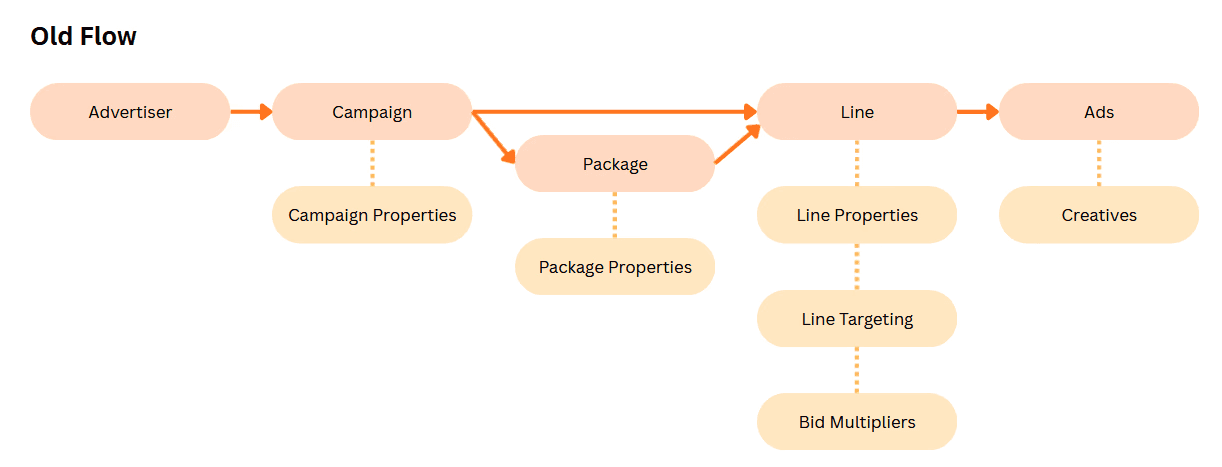
Old Flow (pre-existing design)
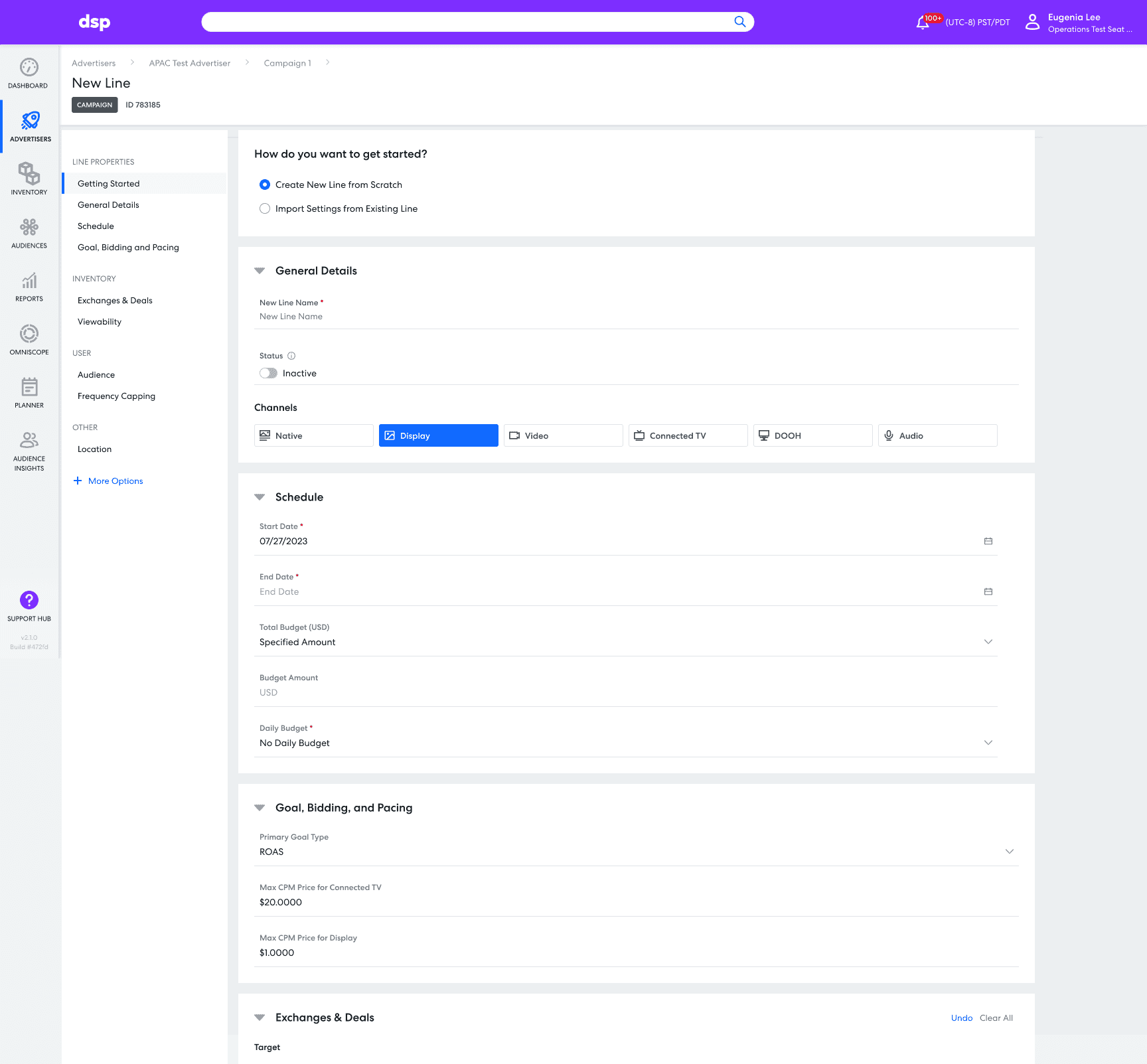
In the previous version of the page, the flow consisted of six steps, each involving a form field as below where all the inputs were crammed together with no clear visual hierarchy.
Background
Revamping the DSP: Modernizing a decade-old platform
Legacy Challenges — The demand-side ad platform (DSP) was over a decade old, with new features crammed into existing pages, resulting in cluttered, inconsistent workflows and poor information hierarchy.
Proactive Redesign — Designers used “ten percent time” to explore improved workflows and create cleaner, more usable layouts, even without official resourcing.
Impact on Development — In 2025, several of these improved flows were adopted for active development, setting the stage for a more organized and scalable platform.
A Note on My Role
The workflow-streamlining initiative was a broad, team-wide effort, with contributions from all designers on our team.
I advised these efforts as a design mentor and subject matter expert, while personally leading and designing the specific workflows highlighted on this page.
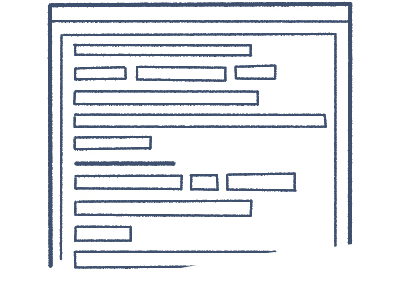
A sketch representation of our legacy input forms
Case Study 1: Targeting Flow Redesign
Scope
Project Origin — Started as part of a revamp of the Omniscope insights tool; although the full redesign didn’t move forward, the revamped targeting workflow was refined and shipped in isolation.
Role and Contributions — Led early ideation, facilitated brainstorms, diagrammed workflows, and created low-fidelity prototypes. Final polished mocks were completed by another designer.
Research — With no formal resourcing, we leveraged existing product satisfaction surveys and user interviews to identify friction points in the existing workflow.
Impact — Streamlined a high-value workflow used across the DSP, reducing cognitive load and the number of clicks to task completion.
Ideation Phase
6
TOTAL PARTICIPANTS
1
Product Manager
3
Designers
2
Engineers
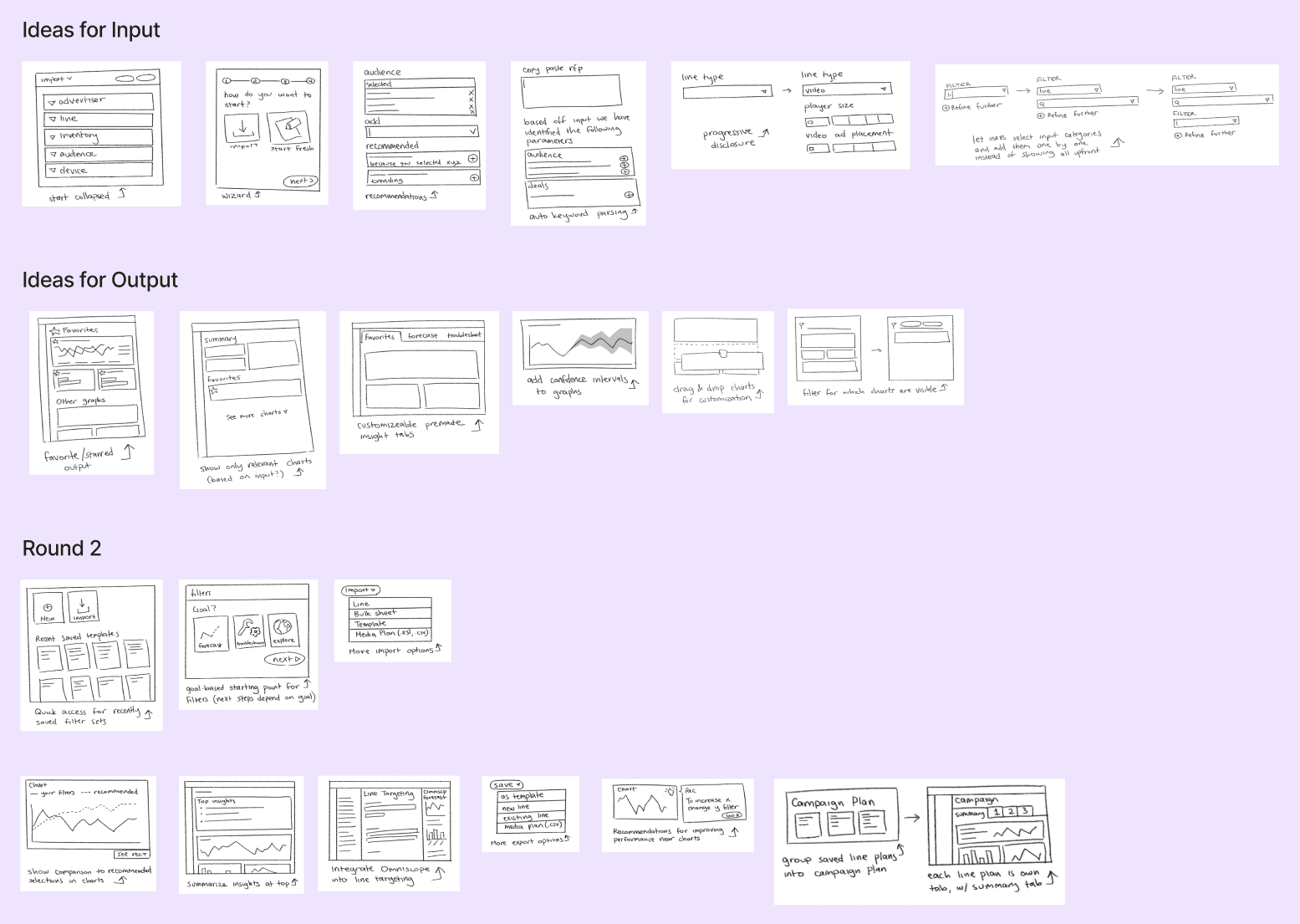
Crazy 8s: Rapid Sketching and Concept Generation
Conducted rapid sketching exercises to explore as many ideas as possible per round, adapting the process for remote participation during early Covid lockdowns.
My sketches are presented below.
Prioritization Phase
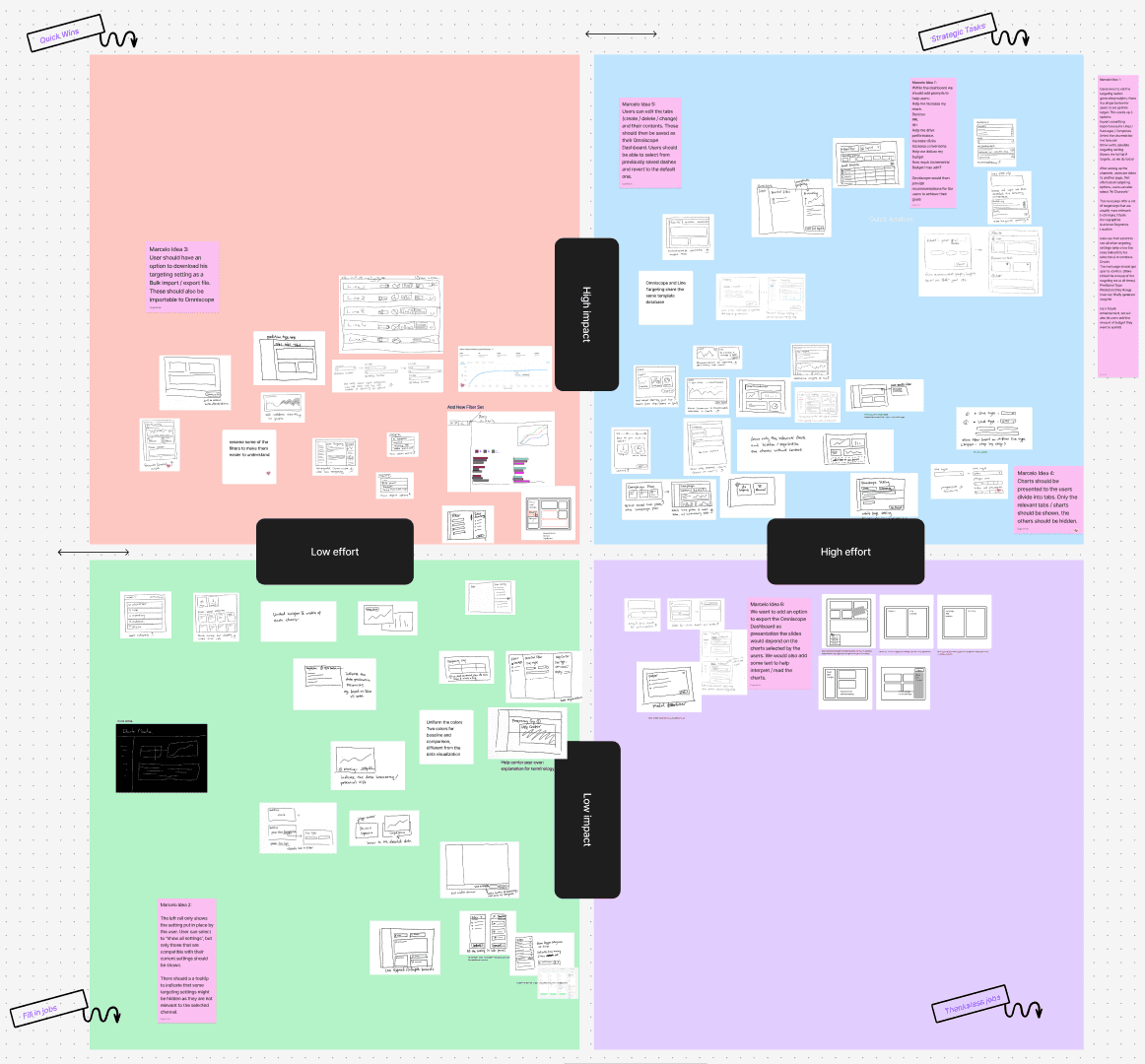
Effort vs. Impact Analysis
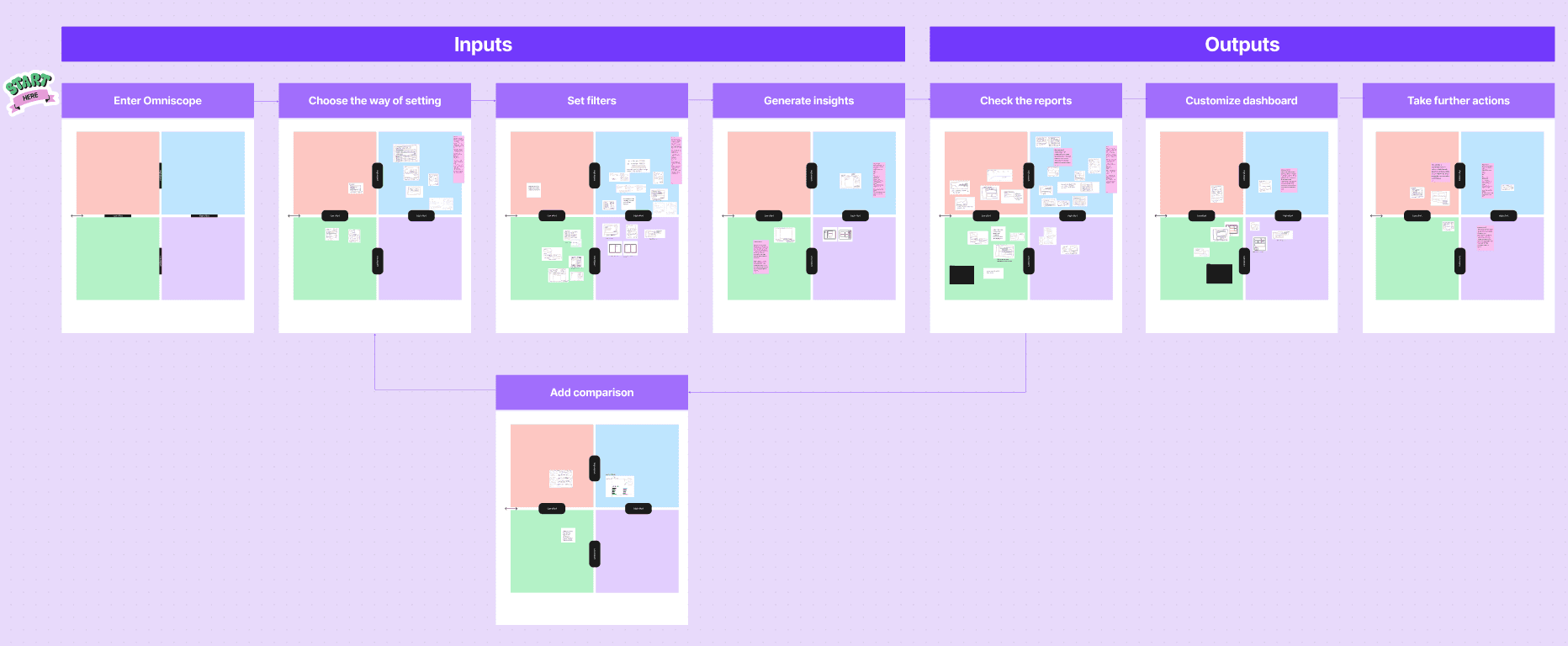
Matrix Sorting — Plotted ideas from the Crazy 8s exercises on an effort x impact matrix to identify priorities.
Low Effort, High Impact — Selected ideas were passed to Product and Engineering for implementation, with Design providing support as needed.
High Effort, High Impact — Designers focused on these ideas to explore ambitious, “dream big” solutions.
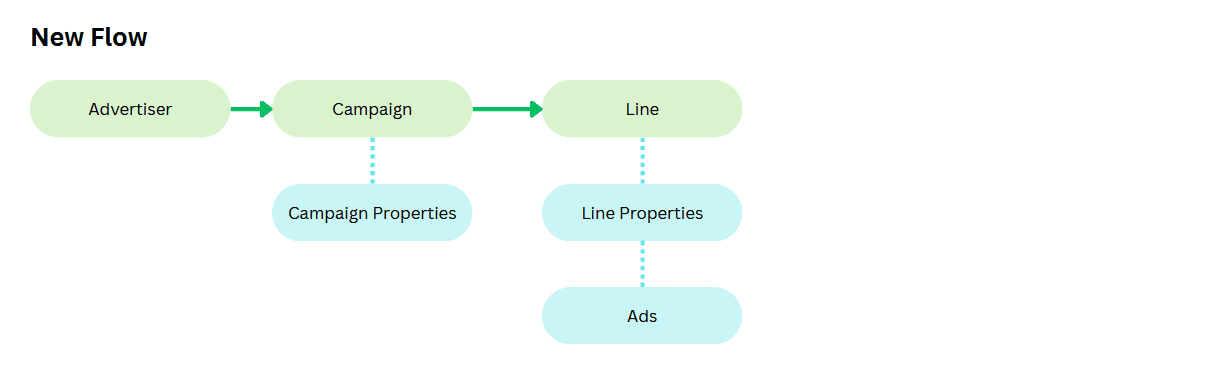
Flow Chart Breakdown — Converted the matrix into a step-by-step flow chart to isolate each part of the workflow and guide targeted design efforts.
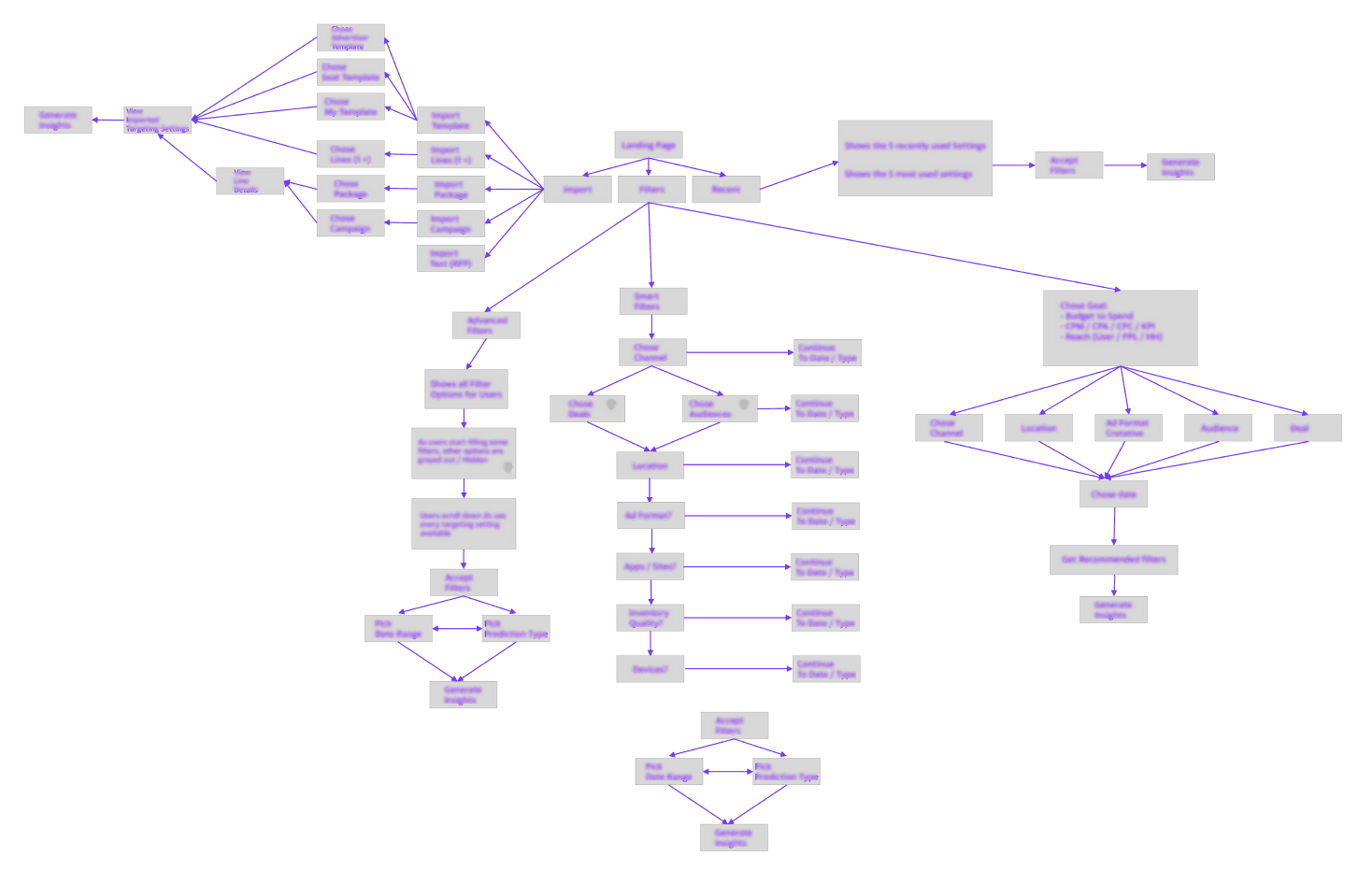
Flow Chart Simplification
Defining the Minimal Viable Workflow
Analyzed existing workflows using research and Pendo data
Streamlined the flow to a minimal viable set of steps, which defined the product scope for layouts and prototypes.
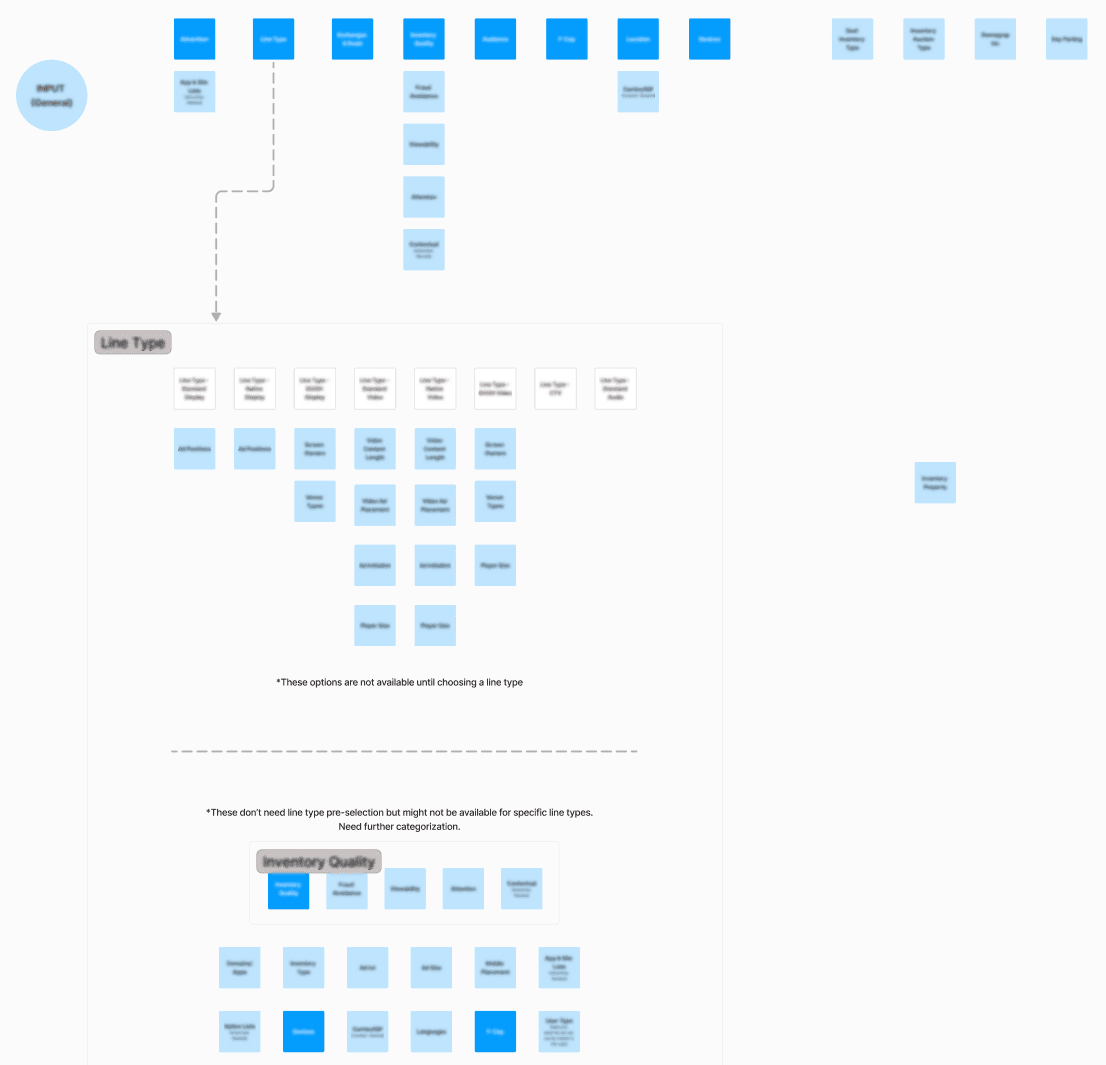
Low-Fidelity Ideation
Designing the Solution
Workflow Definition — Collaborated with a Product Manager to outline the ideal simplified workflow, then partnered with another designer to build prototypes.
Prototype Development — Created low-fidelity prototypes incorporating Crazy 8s brainstorm ideas; each designer focused on a separate core concept.
Usability Testing — Partnered with a UX researcher to conduct tests, comparing and refining prototypes based on user feedback.
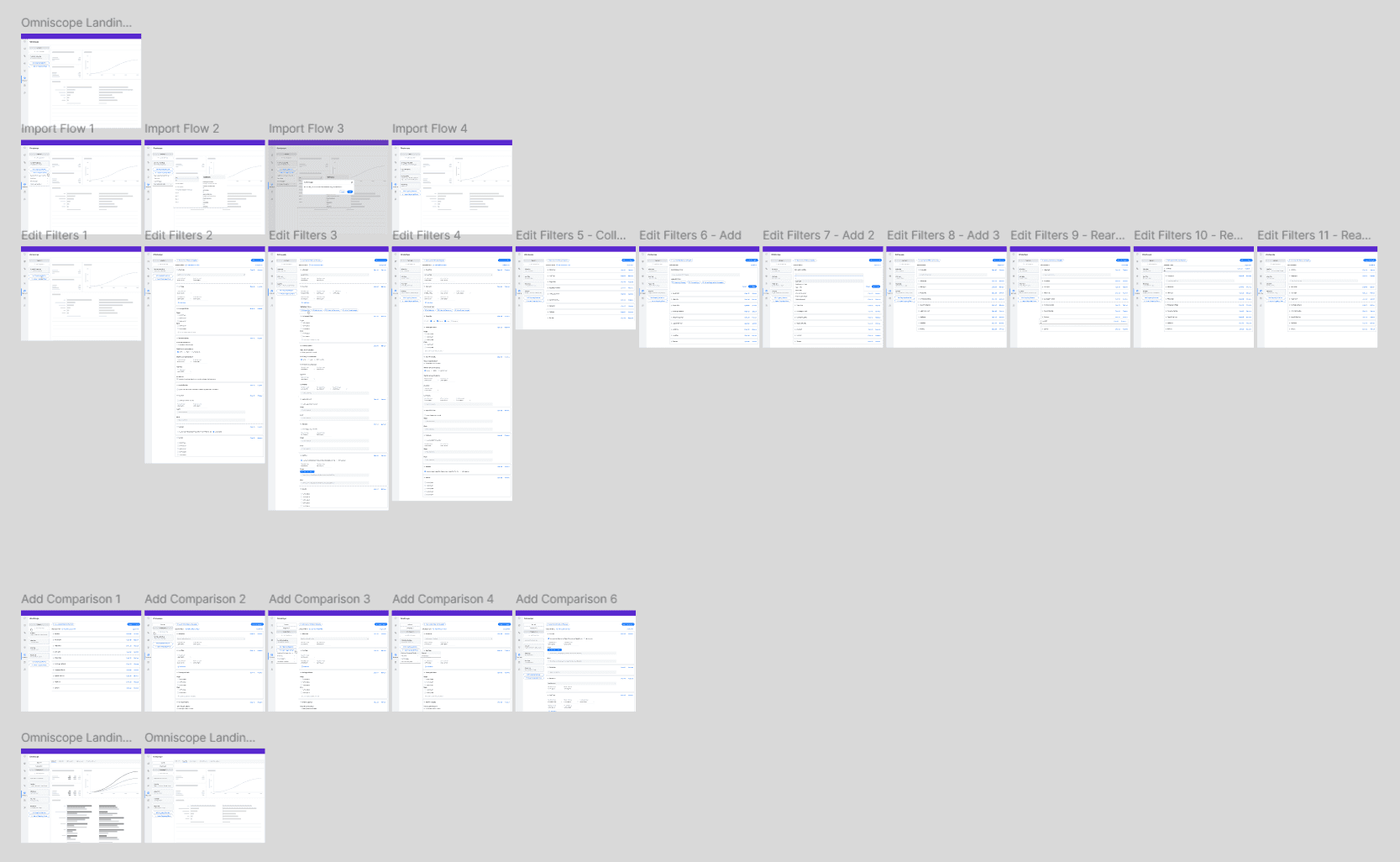
In our existing targeting workflow, we displayed all possible targeting options with no way to show or hide items that didn't interest the user.
In this prototype, I explore the idea of only surfacing targeting options when they become relevant.
Hand-off
Once the initial concepts were solidified, the other designer took over prototyping while I stayed on in an advisory capacity.
The prototype underwent a few more iterations until it reached the final version below.
Production Design (Mocks by colleague)
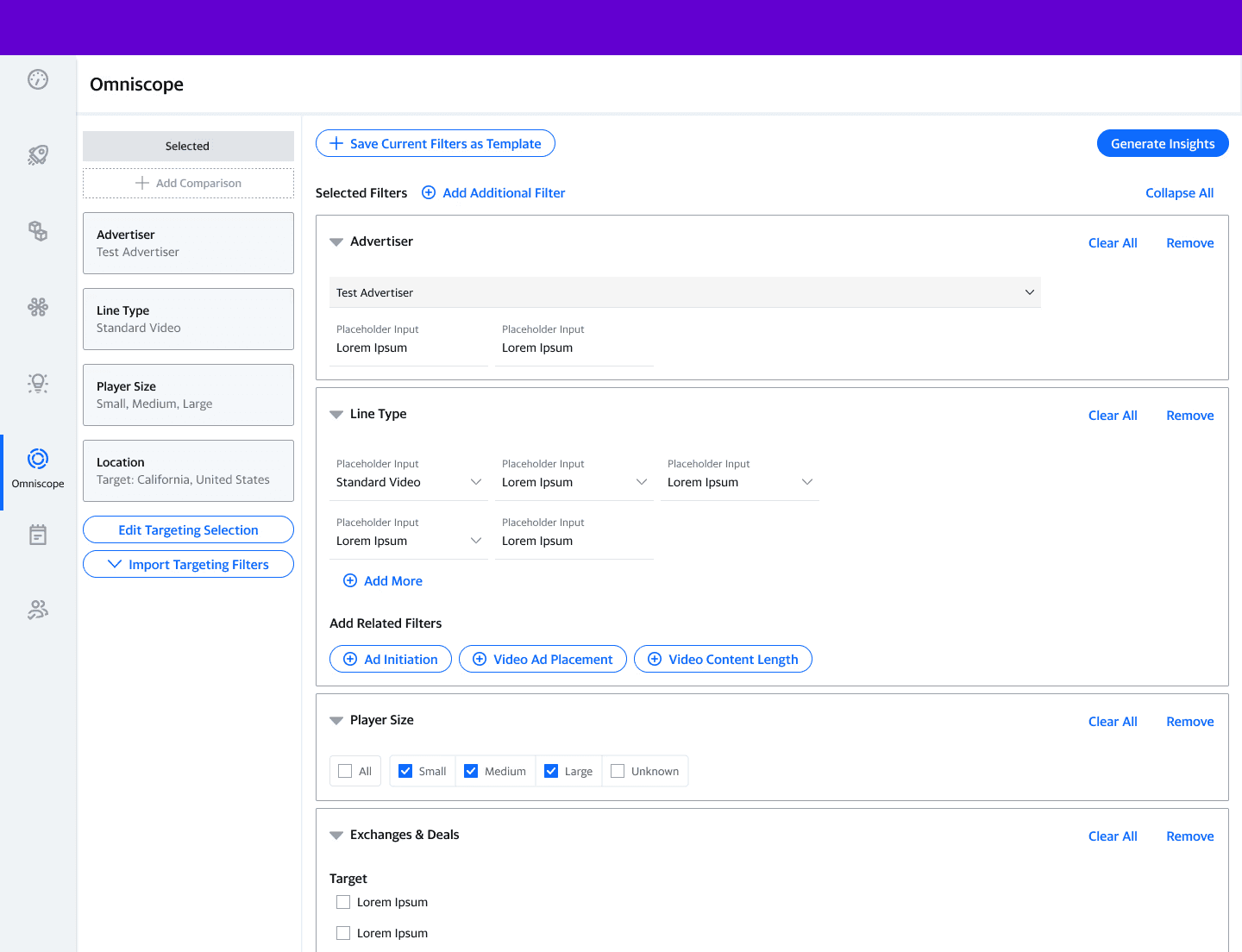
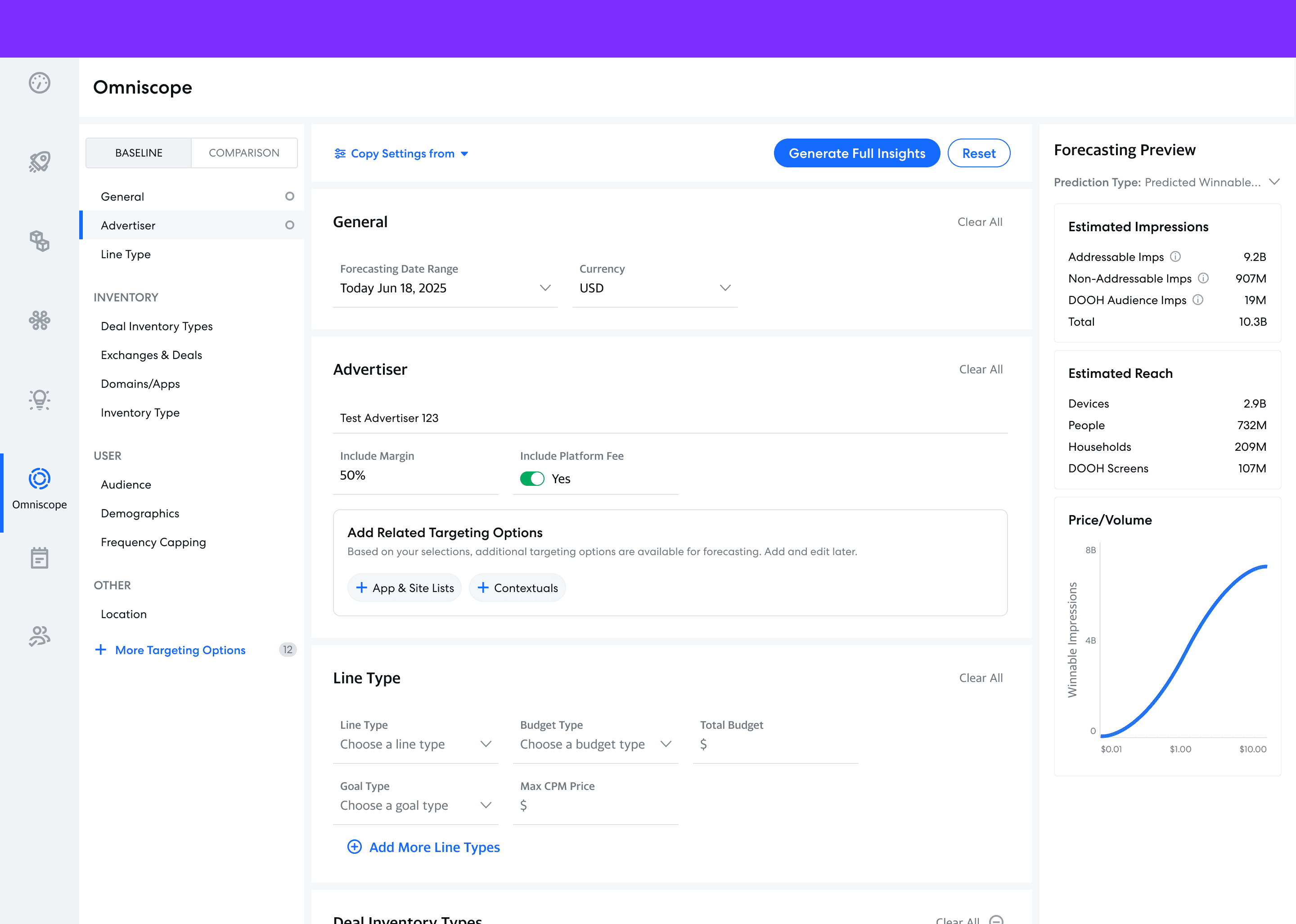
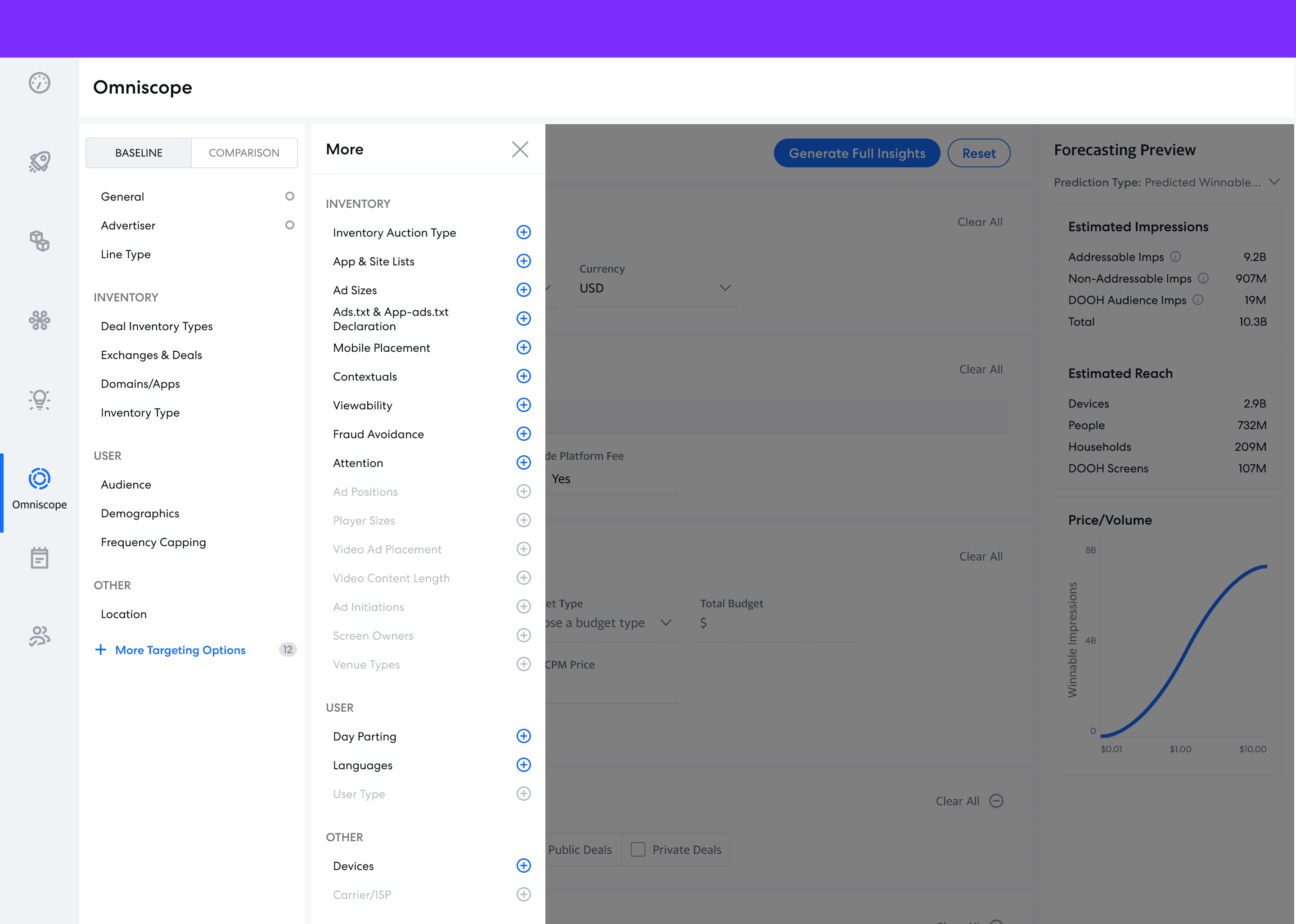
This design simplifies the targeting page to only the most common filters as determined by Pendo usage data. Each targeting section lives in a card in the center column of the targeting page with the left column serving as navigation.
Case Study 2: Line Creation Flow Redesign
Extending the System Across Workflows
Later, I redesigned the Line Creation workflow as well. By reusing the principles, patterns, and research from the Streamlined Targeting initiative, I was able to move quickly while maintaining consistency across related workflows.
Old (Pre-existing Design)
Poor hierarchy — Information was difficult to scan or prioritize.
Overcrowded layout — Inputs were grouped into a single, dense block.
Impact
Preliminary research from user testing for the simplified designs netted the following results:
72%
increase in perceived ease of use
66%
decrease in task completion time
4.5/5
for total user satisfaction
“It’s more intuitive and a lot more user-friendly than the current one. I especially like that it lets you select more targeting options if you need to and that you’re not forced to look at everything at once.”
“The navigation seems really easy once you just get to work. I really like the layout of it. It’s quick and easy to figure out what you need and quick and easy to edit.”
Closing Thoughts
There were many other similar initiatives that our design team worked on that I did not touch on in this case study.
In general, these series of initiatives were a very start-stop process. As most of this work was never officially prioritized, we often had to delay them to work on other things. Effective design is timeless, though, and the work we did to improve these existing workflows remained relevant throughout the years until we could finally implement them.
While not all of this work made it to production, it is gratifying to see that none of it went to waste. All the research and ideation for these early concepts eventually formed the groundwork of other design decisions across the platform.
Enter password from resume to view project
© 2026 Eugenia Lee